


Table Of Contents
If you’ve already worked with ChromaDB, getting started with Weaviate is quite straightforward.
Both are vector databases that can store objects, embeddings, and metadata, then retrieve data using semantic search.
What is Weaviate?
Weaviate is an open-source vector database designed for AI applications.
Just like ChromaDB, you can use it to:
- Store objects and embeddings
- Perform semantic search
- Filter data
- Build RAG applications
- Build recommendation systems
One of the nice things about Weaviate is that it also provides keyword search and hybrid search out of the box.
Weaviate vs ChromaDB
Since we already know ChromaDB, here’s the simple comparison:
| ChromaDB | Weaviate | |
|---|---|---|
| Vector search | ✅ | ✅ |
| Metadata | ✅ | ✅ |
| Semantic search | ✅ | ✅ |
| Keyword search | Basic | ✅ |
| Hybrid search | — | ✅ |
| Filtering | ✅ | ✅ |
| RAG | ✅ | ✅ |
| Cloud / Self-hosted | ✅ | ✅ |
In short:
ChromaDB→ Simple and easy to get startedWeaviate→ More built-in search capabilities
For a simple local project, ChromaDB can be enough. If you need more advanced search capabilities, Weaviate is worth considering.
Using Weaviate
Let’s use a movie dataset as an example.
1. Install
pip install weaviate-client pandas
2. Create a collection
Weaviate organizes data into collections, similar to collections in ChromaDB.
import weaviatefrom weaviate.classes.config import Configure, Property, DataTypeclient = weaviate.connect_to_local()movies = client.collections.create(name="Movie",vector_config=Configure.Vectors.text2vec_sentence_transformers(),properties=[Property(name="title", data_type=DataType.TEXT),Property(name="description", data_type=DataType.TEXT),Property(name="genres", data_type=DataType.TEXT_ARRAY),],)
3. Insert data
movies.data.insert(properties={"title": "Extraction","description": "A black-market mercenary...","genres": ["Action", "Thriller"],})
For multiple objects, we can use batch insertion:
with movies.batch.dynamic() as batch:for movie in movie_data:batch.add_object(properties=movie)
4. Semantic search
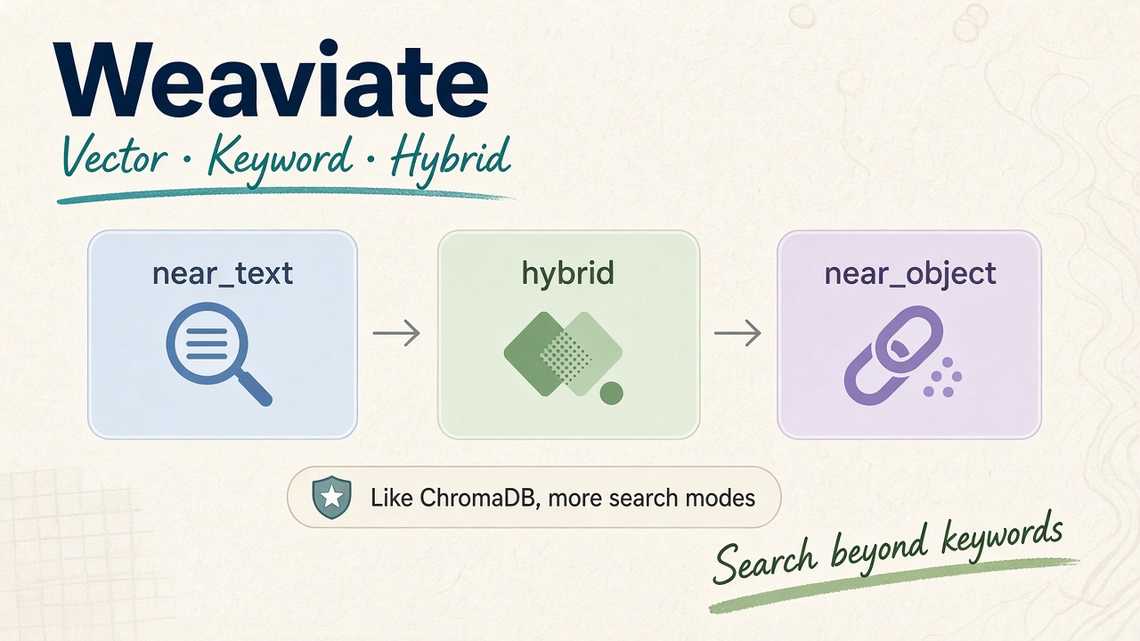
We can search by meaning using near_text():
response = movies.query.near_text(query="funny movies for children",limit=5,)for result in response.objects:print(result.properties)
Instead of looking for the exact words, Weaviate searches for movies that are semantically related to the query.
5. Hybrid search
We can also combine keyword and semantic search:
response = movies.query.hybrid(query="thriller",alpha=0.5,limit=5,)
Here:
alpha = 0→ Keyword searchalpha = 0.5→ Keyword + Vector searchalpha = 1→ Vector search
6. Find similar objects
Weaviate can also find objects similar to an existing object:
response = movies.query.near_object(near_object=movie_id,limit=5,)
This is useful for recommendation features such as:
Extraction↓Similar movies↓UnhingedThe Contractor...
