


TypeScript checks types during development, but it cannot validate data at runtime. A customer might submit an invalid phone number, an empty name, or an incomplete address.
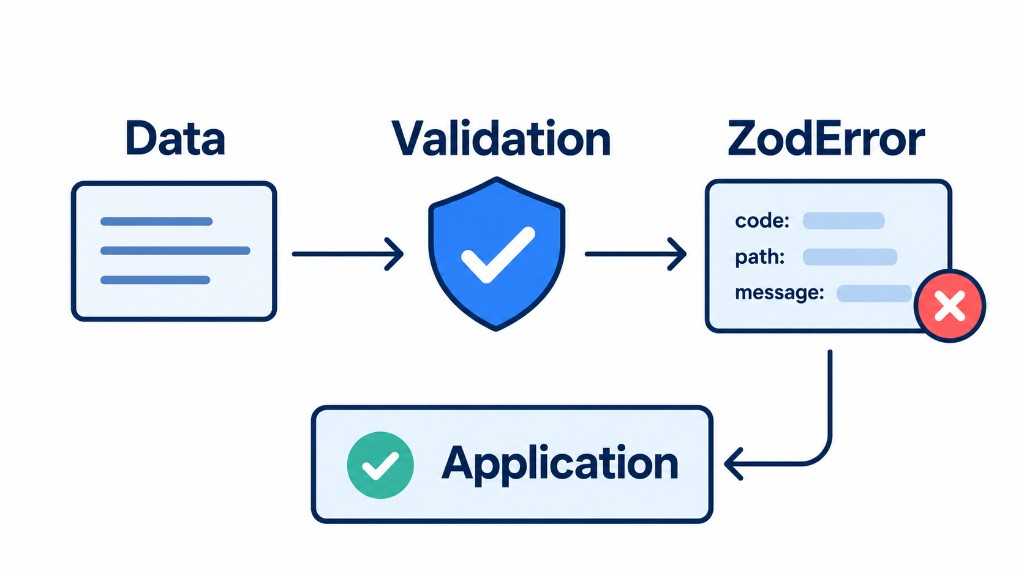
Zod is a TypeScript-first schema validation library. It validates runtime data, transforms values, and infers TypeScript types directly from schemas. It is useful for validating forms, API responses, environment variables, and other untrusted data.
1. Define the schema
Create lib/schemas/checkout.ts:
import { z } from "zod";const VN_PHONE_PATTERN =/^(?:\+?84|0)(?:3|5|7|8|9)\d{8}$/;const normalizePhone = (value: string) =>value.replace(/[\s.()\-]/g, "");export const checkoutSchema = z.object({name: z.string().trim().min(1, "nameRequired").pipe(z.string().min(2, "nameTooShort")),phone: z.string().trim().min(1, "phoneRequired").transform(normalizePhone).pipe(z.string().regex(VN_PHONE_PATTERN,"phoneInvalid")),});export type CheckoutForm = z.output<typeof checkoutSchema>;
Key methods:
.trim()removes leading and trailing whitespace..min()checks minimum string length..regex()validates a pattern..transform()cleans or converts data..pipe()validates the output of a previous schema.z.object()validates an object’s structure.
For example, "038 656 9374" becomes "0386569374" before the phone number is validated.
2. Validate the form
Use safeParse() when the customer submits the form:
const result = checkoutSchema.safeParse(formValues);if (!result.success) {const fieldErrors =z.flattenError(result.error).fieldErrors;setErrors({name: fieldErrors.name?.[0],phone: fieldErrors.phone?.[0],address: fieldErrors.address?.[0],});return;}await createOrder(result.data);
safeParse() returns a success or failure result instead of throwing an exception for invalid input.
| Input | Result |
|---|---|
" Viet " | "Viet" |
"038 656 9374" | "0386569374" |
"123" as a phone | Validation error |
"Hi" as an address | Validation error |
On success, result.data contains validated, cleaned, and typed data.
