


Table Of Contents
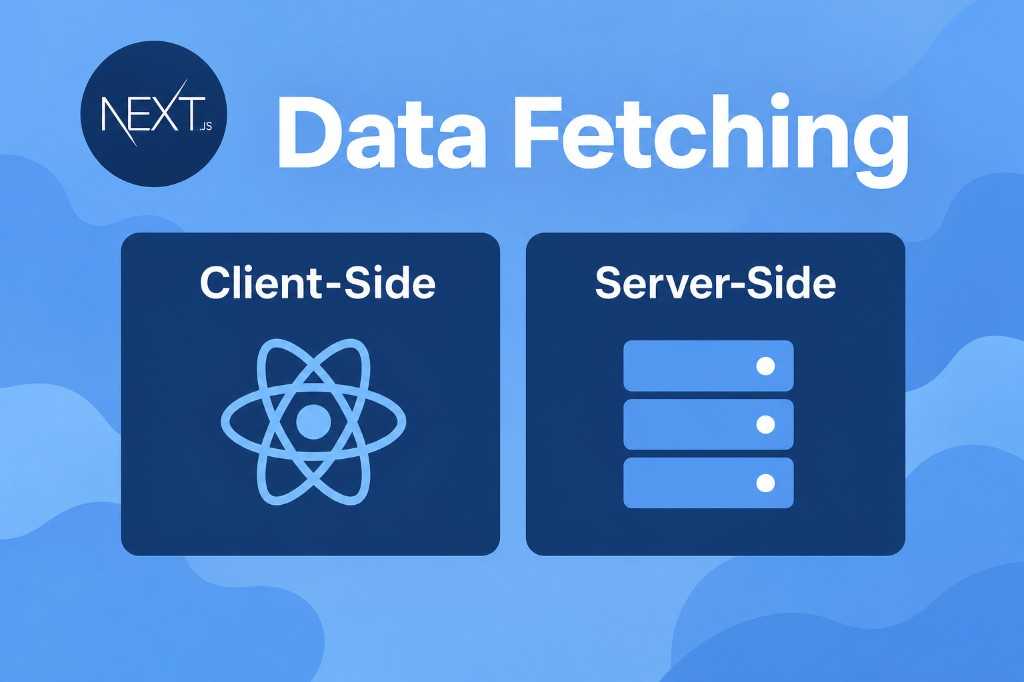
Data fetching in Next.js 16 mainly comes down to one question: should this data be fetched on the Server or the Client?
With the App Router, Server Components are the default. This means you can fetch data directly inside an async component without useEffect or an additional API layer.
Server-side Data Fetching
A Server Component can fetch data directly:
async function getPosts() {const res = await fetch("https://api.example.com/posts")if (!res.ok) {throw new Error("Failed to fetch posts")}return res.json()}export default async function BlogPage() {const posts = await getPosts()return (<div>{posts.map((post: any) => ())}</div>)}
Caching and Revalidation
Next.js 16 also provides mechanisms for controlling how fetched data is cached and revalidated. For example, you can revalidate data every 60 seconds:
const res = await fetch("https://api.example.com/posts", {next: {revalidate: 60,},})
For data that should be fetched without using the Data Cache:
const res = await fetch("https://api.example.com/posts", {cache: "no-store",})
Client-side Data Fetching
Client-side fetching is useful when data depends on user interaction or browser state. Add "use client" to make a component a Client Component:
"use client"import { useEffect, useState } from "react"export default function Posts() {const [posts, setPosts] = useState([])useEffect(() => {fetch("/api/posts").then((res) => res.json()).then(setPosts)}, [])return (<div>{posts.map((post: any) => (<article key={post.id}>{post.title}</article>))}</div>)}
This approach works for things like search, filters, infinite scrolling, user-specific data, and other interactions that happen directly in the browser.
Using TanStack Query
For applications with more complex client-side data requirements, TanStack Query (React Query) provides a better way to manage server state. It handles caching, background refetching, loading and error states, query invalidation, mutations, and more.
Install it with:
npm install @tanstack/react-query
A Client Component can then use useQuery:
"use client"import { useQuery } from "@tanstack/react-query"async function getPosts() {const res = await fetch("/api/posts")if (!res.ok) {throw new Error("Failed to fetch posts")}return res.json()}export default function Posts() {const { data, error, isPending } = useQuery({queryKey: ["posts"],queryFn: getPosts,})return (<div>{data.map((post: any) => ())}</div>)}
Tags
Share
