


Table Of Contents
Vercel Web Analytics can be used to track website traffic without adding another analytics provider. On the Hobby plan, Web Analytics includes up to 50,000 events/month and 30 days of viewable history.
1. Enable Web Analytics
Enable Web Analytics in the Vercel project. For a basic website, the Hobby plan is enough to collect standard analytics data.
2. Install Vercel Analytics
For Next.js:
npm install @vercel/analytics
Then add Analytics to the public layout:
import { Analytics } from '@vercel/analytics/next'<Analytics />
3. Get Analytics Data
Vercel provides an API for querying Web Analytics:
GET https://api.vercel.com/v1/query/web-analytics/visits/count
The request requires a Vercel access token and project ID.
Keep these values server-side:
VERCEL_ACCESS_TOKEN=...VERCEL_PROJECT_ID=...VERCEL_TEAM_ID=...
Never expose the access token through NEXT_PUBLIC_*.
4. Display the Number in the Footer
Instead of calling Vercel directly from the browser, create a Next.js server API such as:
/api/analytics/visits
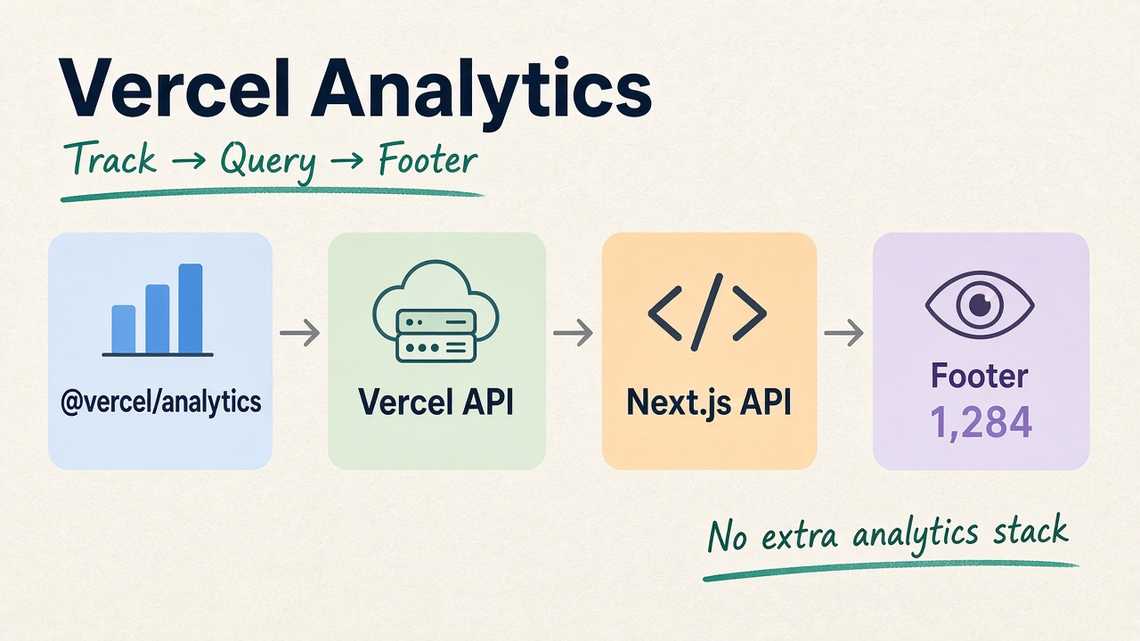
The flow becomes:
Vercel Analytics → Vercel API → Next.js API → Footer
The Footer can then display something like:
👁 1,284 page views
The /visits/count metric should be described as page views/visits, not unique visitors.
5. Keep It Lightweight
The analytics API should be cached or revalidated so the application does not call Vercel on every page render. If the analytics API fails, the Footer should continue working normally and simply hide the analytics counter.
This keeps the architecture simple:
@vercel/analytics↓Vercel Web Analytics↓Next.js Server API↓Frontend Footer
Tags
Share
